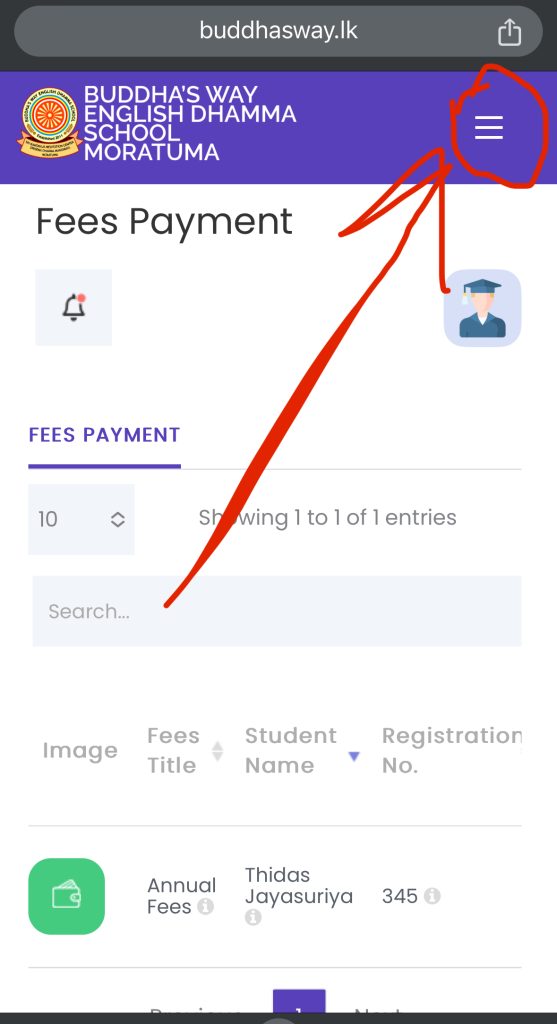

- Just after the application is submitted via buddhasway.lk you will receive an email from Admin about acknowledgement.
- You will receive another email After your application is accepted by the admin mentioning student user login and password.
- Student parents will also receive an email to their email with parent login credentials.
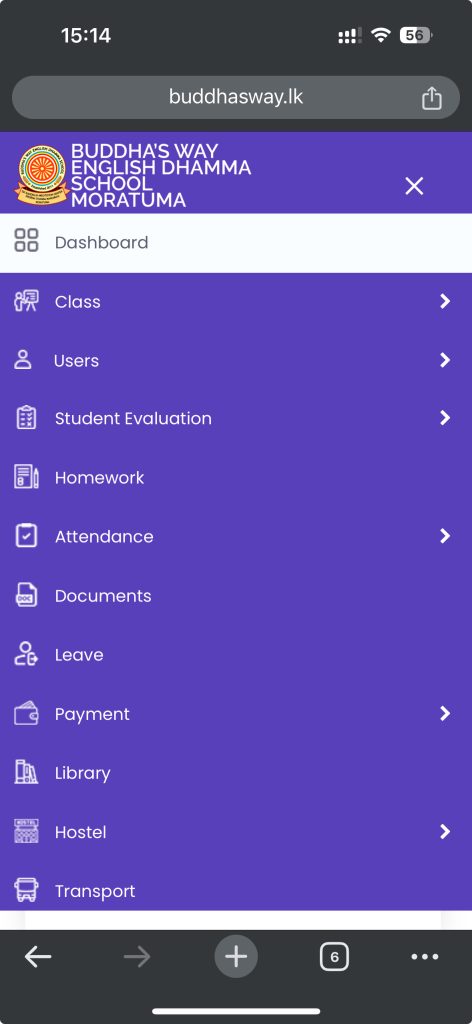
After Successful login by student. Student may use following facilities
- Dashboard
- Class (Classes, Class Timetable, Subjects)
- Student Evaluation (Exam, Exam List, Hall, Manage Marks, Grade)
- Homework
- Attendance
- Documents
- Leave
- Payment (Fees Payment)
- Library
- Holiday
- Notice Board
- Notification
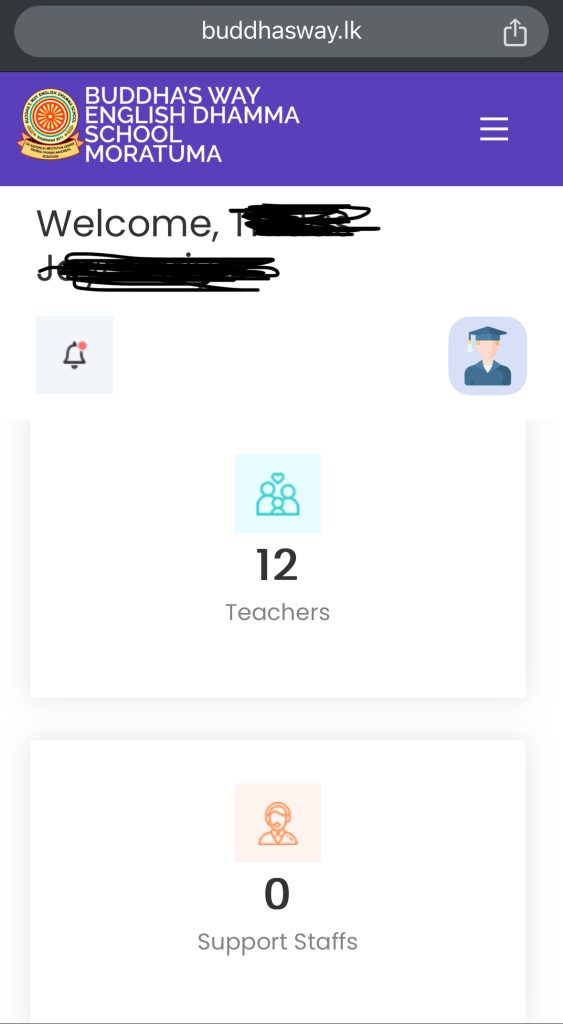
Dashboard – Scroll down and find
- Notifications
- Messages
- Fees Payment
- Click on arrow inside square icon to view in details. please slid to left and see details on right side
- Attendance QR
- Calendar
- Exam List
- Notice
- Events
- Notifications
And also you can access all the details navigation menu please refer following and find menu icon